
Cast your mind back to the last time you created an Application Insights API Key. Struggling? So was I. Most of us wired one into a dashboard or a reporting script years ago, watched it work, and never gave it another thought.
Which is exactly why the retirement of API key based querying deserves a few minutes of your attention. The good news is you have some breathing room, because Microsoft has quietly pushed the cut-off back from 31st March 2026 to 30th September 2026. The smart move is to spend that runway finding out whether anything important still leans on a key, rather than discovering it the hard way come October.
What’s actually being retired
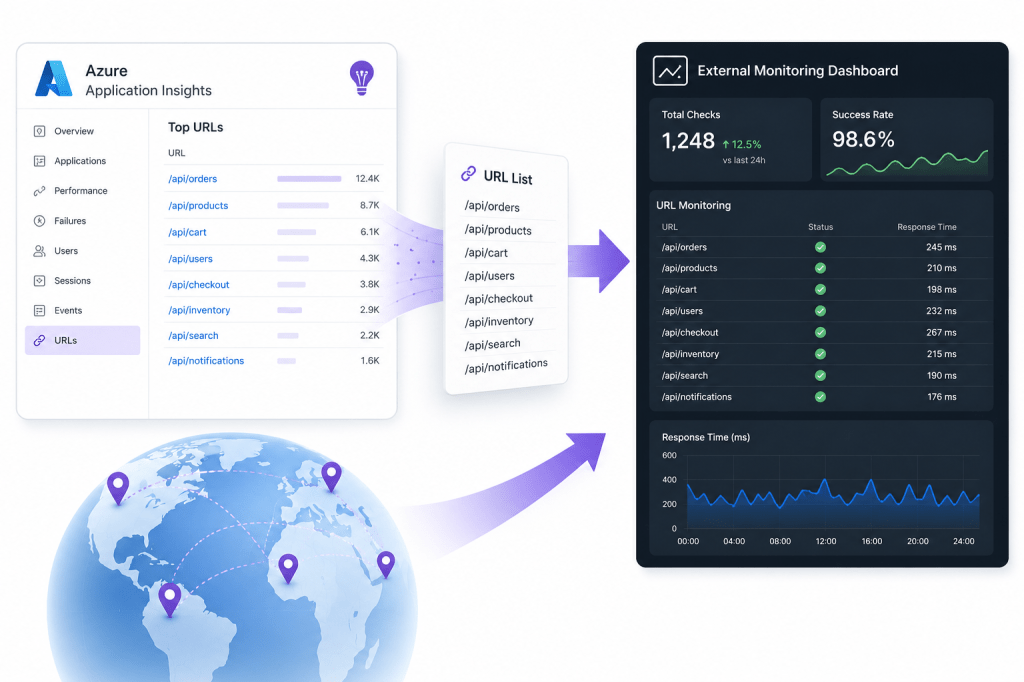
First, a clarification, because the wording trips people up. This retirement is specifically about querying telemetry out of Application Insights through the data plane API at api.applicationinsights.io. It does not touch the ingestion side, so the connection string your apps use to send telemetry in keeps working exactly as before, and your instrumented web apps need no changes. What’s changing is the read path. Any tool, script, or dashboard that pulls data back out using an API Key will need to authenticate with Entra ID instead.
Application Insights API Keys come in a few flavours, defined by what they’re allowed to do –
- ReadTelemetry – the permission that actually matters here, it lets a caller query your data
- WriteAnnotations – used to stamp deployment markers onto your charts
- AuthenticateSDKControlChannel – a niche one tied to live metrics
Only the first is in scope for this retirement. A key that only writes annotations is a different conversation entirely. But I’ve personally taken the opportunity to simply move away from all API Keys where possible as I don’t see Microsoft keeping the feature piecemeal long-term.
If you open an individual API Key in the portal today, the warning banner still tells you keys will be retired in March 2026 and nudges you toward API Access with Azure AD. Don’t let that throw you, the date that now applies is 30th September 2026. The portal copy simply hasn’t caught up with the reprieve yet, which is a good reminder to trust the official retirement notice over an in-product string that nobody remembered to update.

A script to find them all
API Keys are configured per resource, tucked away under Configure > API Access, and if you have more than a handful of Subscriptions nobody is realistically clicking through all of them. So I wrote a script that signs in as your own Entra user, reviews every Subscription you can see, lists every API Key on every Application Insights resource, and flags the ones carrying ReadTelemetry as impacted.
It’s read only and needs nothing more than Reader on the Subscriptions you want to scan. Output goes to the console and to a timestamped CSV so you have something to work through afterwards.
<#.SYNOPSIS Discovers Application Insights components with configured API Keys across your accessible subscriptions, ahead of the retirement of API key based querying of Application Insights data (api.applicationinsights.io)..DESCRIPTION Authenticates as your own Entra user (interactive), enumerates every Microsoft.Insights/components resource you can see, and lists the API Keys configured against each one. The retirement specifically affects querying telemetry from the data plane API using an API key. Keys carrying the ReadTelemetry permission (the '/api' linked read property) are the ones directly impacted, and are flagged as such. Keys that only carry WriteAnnotations are reported but not flagged. Listing keys never returns the secret value (Azure only reveals that once at creation), so this reports on existence, permissions, and creation date. Read only. Requires no more than Reader on the target subscriptions..PARAMETER SubscriptionId One or more subscription IDs to scope the scan to. Defaults to all enabled subscriptions in the signed in context..PARAMETER TenantId Optional tenant to authenticate against, if you span more than one..PARAMETER OutputPath CSV export path. Defaults to a timestamped file in the current directory..EXAMPLE .\Find-AppInsightsApiKeys.ps1.EXAMPLE .\Find-AppInsightsApiKeys.ps1 -SubscriptionId 'xxxx-xxxx','yyyy-yyyy' -Verbose.NOTES Requires: Az.Accounts, Az.ApplicationInsights#>[CmdletBinding()]param( [string[]] $SubscriptionId, [string] $TenantId, [string] $OutputPath = ".\AppInsights-ApiKeys-$(Get-Date -Format 'yyyyMMdd-HHmmss').csv")# Import required modulesforeach ($module in 'Az.Accounts', 'Az.ApplicationInsights') { if (-not (Get-Module -ListAvailable -Name $module)) { throw "Required module '$module' is not installed. Run: Install-Module $module -Scope CurrentUser" }}# Authenticate as your Entra user$context = Get-AzContextif (-not $context -or ($TenantId -and $context.Tenant.Id -ne $TenantId)) { Write-Host "Signing in interactively..." $connectParams = @{} if ($TenantId) { $connectParams['TenantId'] = $TenantId } Connect-AzAccount @connectParams | Out-Null}# Resolve target subscriptions$subs = Get-AzSubscription -TenantId $TenantId -ErrorAction SilentlyContinue | Where-Object { $_.State -eq 'Enabled' }if ($SubscriptionId) { $subs = $subs | Where-Object { $_.Id -in $SubscriptionId }}if (-not $subs) { throw "No enabled subscriptions found for the current context."}Write-Host "Scanning $($subs.Count) subscriptions for Application Insights API keys..." -ForegroundColor Cyan# Collapses the property leaves into the portal's friendly permission names.# ReadTelemetry expands to several read leaves (api, draft, extendqueries, search, aggregate) the presence of 'api' is the reliable marker for it.function Get-PermissionName { param([string[]] $LinkedProperties) if (-not $LinkedProperties) { return @() } $leaves = $LinkedProperties | ForEach-Object { ($_ -split '/')[-1] } $perms = [System.Collections.Generic.List[string]]::new() if ($leaves -contains 'api') { [void]$perms.Add('ReadTelemetry') } if ($leaves -contains 'agentconfig') { [void]$perms.Add('AuthenticateSDKControlChannel') } if ($leaves -contains 'annotations') { [void]$perms.Add('WriteAnnotations') } # Surface anything unrecognised rather than silently dropping it $known = 'api', 'draft', 'extendqueries', 'search', 'aggregate', 'agentconfig', 'annotations' foreach ($leaf in ($leaves | Where-Object { $_ -notin $known } | Select-Object -Unique)) { [void]$perms.Add($leaf) } $perms}# Loop through each subscription, enumerate the Application Insights components, and then enumerate the API keys for each component.$results = foreach ($sub in $subs) { Set-AzContext -SubscriptionId $sub.Id -TenantId $sub.TenantId | Out-Null Write-Host "Subscription: $($sub.Name) ($($sub.Id))" $components = Get-AzApplicationInsights -ErrorAction SilentlyContinue foreach ($comp in $components) { try { $keys = Get-AzApplicationInsightsApiKey -ResourceGroupName $comp.ResourceGroupName -Name $comp.Name -ErrorAction Stop } catch { Write-Warning "Could not read keys for '$($comp.Name)' in '$($sub.Name)': $($_.Exception.Message)" continue } foreach ($key in $keys) { $readPerms = Get-PermissionName -LinkedProperties $key.LinkedReadProperty $writePerms = Get-PermissionName -LinkedProperties $key.LinkedWriteProperty # Normalise the created date to a clean, unambiguous string Excel reads as a date. $parsedDate = [datetime]::MinValue $created = if ([datetime]::TryParse($key.CreatedDate, [ref]$parsedDate)) { $parsedDate.ToString('yyyy-MM-dd HH:mm:ss') } else { $key.CreatedDate } [PSCustomObject]@{ Subscription = $sub.Name ResourceGroup = $comp.ResourceGroupName InstanceName = $comp.Name Location = $comp.Location # DisableLocalAuth = $true means keys already cannot query, so no action needed, couldn't see this set in my environment but should work normally LocalAuthDisabled = if ($null -ne $comp.DisableLocalAuth) { $comp.DisableLocalAuth } else { 'Unknown' } ApiKeyName = $key.Name ApiKeyId = $key.Id Created = $created ReadPermissions = ($readPerms -join ', ') WritePermissions = ($writePerms -join ', ') ImpactedByRetirement = [bool]($readPerms -contains 'ReadTelemetry') } } }}# Reportif (-not $results) { Write-Host "No Application Insights API keys found in scope. Nothing to action." -ForegroundColor Green return}$results | Sort-Object -Property @{ Expression = 'ImpactedByRetirement'; Descending = $true }, Subscription, InstanceName | Format-Table Subscription, InstanceName, ApiKeyName, ReadPermissions, LocalAuthDisabled, ImpactedByRetirement -AutoSize$impacted = ($results | Where-Object ImpactedByRetirement).CountWrite-Host ""Write-Host "Found $($results.Count) API key(s) across $($subs.Count) subscription(s)." -ForegroundColor CyanWrite-Host "$impacted of these carry ReadTelemetry and are directly impacted by the query-data retirement." -ForegroundColor YellowWrite-Host "Full detail exported to: $OutputPath" -ForegroundColor Cyan$results | Export-Csv -Path $OutputPath -NoTypeInformation -Encoding UTF8Invoke-Item $OutputPath
A couple of things worth knowing. Listing keys never returns the secret value itself, Azure only shows that once, at creation, so this reports on what exists and what it’s allowed to do, not the key material. And the LocalAuthDisabled column is quietly useful, if a resource has local auth switched off, its keys already can’t query anything, so those need no action at all. Although at least in my own environment this never appeared to be set.
What the audit turned up
Running this across my own estate was reassuring, in a slightly embarrassing way. Nearly every key I found hadn’t been touched in over three years. These were relics from long-dead dashboards and reporting jobs that had quietly moved on or been decommissioned, the API Key just left behind like an old spare key under a plant pot.
Which is rather the point. Most of what you find will probably be dead weight, and that’s genuinely good news, because stale keys you can simply delete are a security tidy-up rather than a migration headache. But you don’t know that until you look, and it only takes one forgotten Function App or Logic App still pulling a nightly report through a key to turn a retirement notice into a production incident.
One limitation worth flagging. You’ll notice the script doesn’t report a “last used” date. The portal shows a Last Used value under API Access, and it’s how I could tell my keys were three years old, but that figure isn’t exposed on the API Key resource through the management API unfortunately.
Migrating what’s left
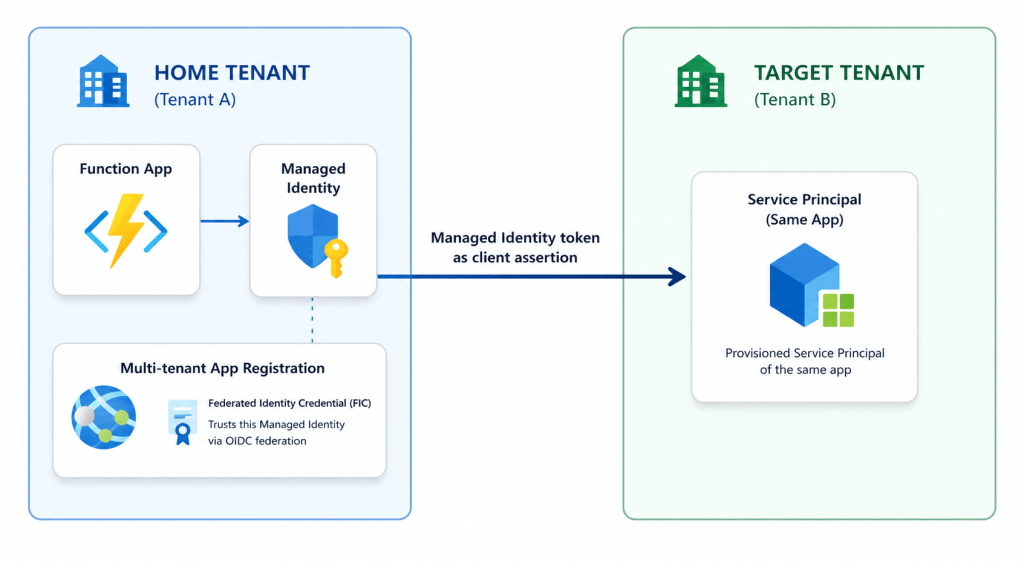
For anything the audit flags as live, the fix is caller side, not a setting you flip on the resource. Whatever is querying the data plane needs to move to an Entra token, ideally via a Managed Identity holding a Reader role on the resource, or an App Registration where a Managed Identity isn’t an option. Microsoft’s guidance walks through both, including how to disable local authentication once you’re done so old keys can’t be used again as documented here – Microsoft Entra authentication for Application Insights.
The original retirement notice lives on the Azure updates page.
Once the live callers are migrated and the dead keys are gone, disabling local auth on the resource is the belt-and-braces finish, it stops anyone quietly minting a fresh key later and leaving you back where you started.
Found a key still being hit that you’d completely forgotten about? I’d love to hear what it turned out to be, the comments are open.





Leave a Reply