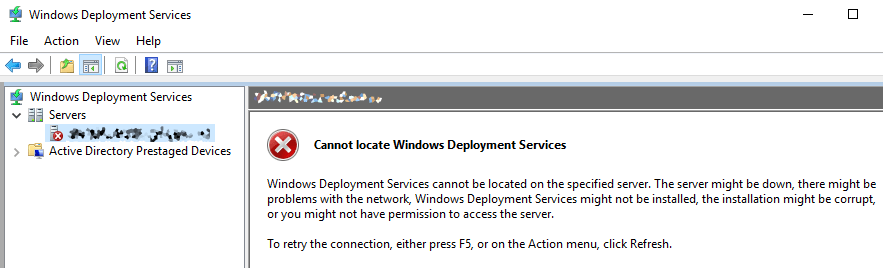
After recently doing an in-place upgrade of our server that hosts MDT and WDS I encountered an issue when trying to deploy our latest image release. Luckily it’s a fairly simple fix.
The Fix
The fix for this problem is fairly straightforward, and it just requires you to ‘reset’ the WDS deployment by uninitializing and then re-initializing the installation, which can be done via an Administrator command prompt using the following commands –
wdsutil /uninitialize-server
wdsutil /initialize-server /remInst:C:\RemoteInstallFolderImportant: ensure you replace ‘C:\RemoteInstallFolder’ with your WDS remote install directory, this is purely for example purposes.
Once done, refresh the Windows Deployment Services windows and it should appear correctly.






 Sysadmin Central
Leave a reply to Alex Widén (@vovven) Cancel reply